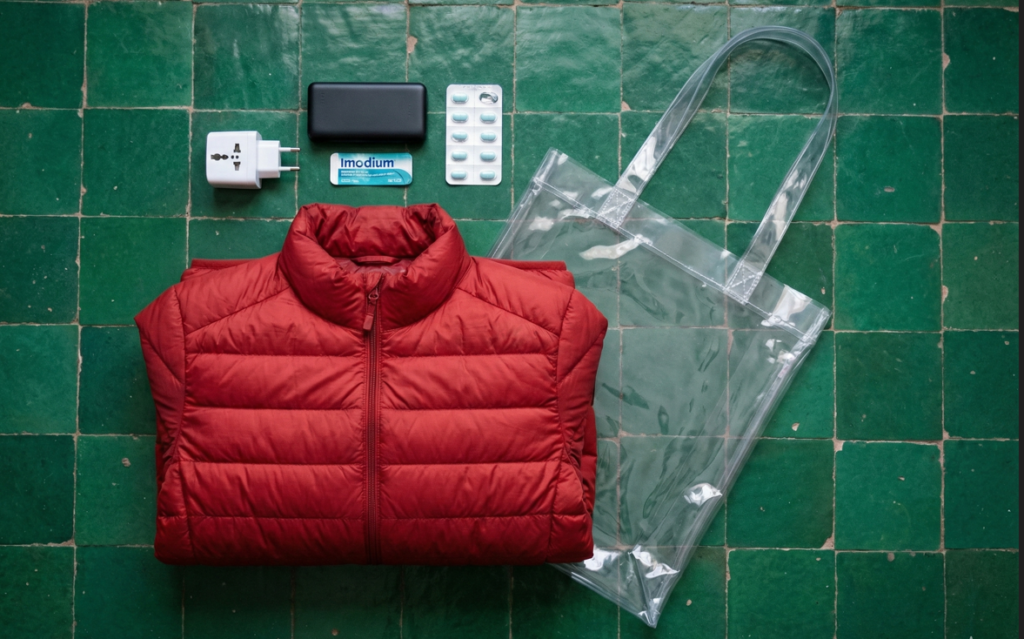
The “No ID, No Entry” Rule
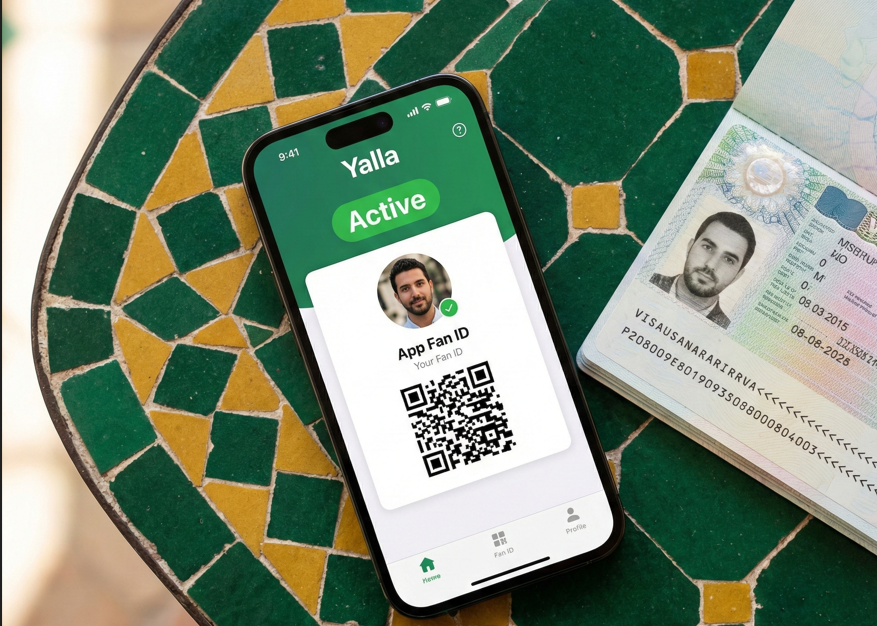
Let’s be clear: A match ticket is useless without a Fan ID. For AFCON 2025, the Fan ID is not just a souvenir card; it is your digital passport for the tournament. It links your face to your ticket. If the photo on the screen doesn’t match the face at the turnstile, you don’t get in.
The entire process happens on the “Yalla” App (Official App of the Morocco Football Federation & CAF).
The “Secret” Perk: The Free Visa
This is the game-changer. If you are from a country that normally requires a visa for Morocco (e.g., South Africa, Nigeria, Ghana), your Fan ID doubles as your Visa Waiver.
- Cost: Free. (Standard tourist visas usually cost $50+).
- How it works: When you register for the Fan ID in the app, it automatically checks your nationality. If you need a visa, it generates an AEVM (Electronic Travel Authorization) linked to your passport. You show this digital approval at immigration.
Step-by-Step Registration Guide
1. Download the App
- iOS/Android: Search for “Yalla Morocco” or “Yalla FRMF”.
- Web Portal: You can also use yallamorocco.ma if the app is crashing (which happens often).
2. The “Scan” (The Tricky Part) The app uses OCR to read your passport.
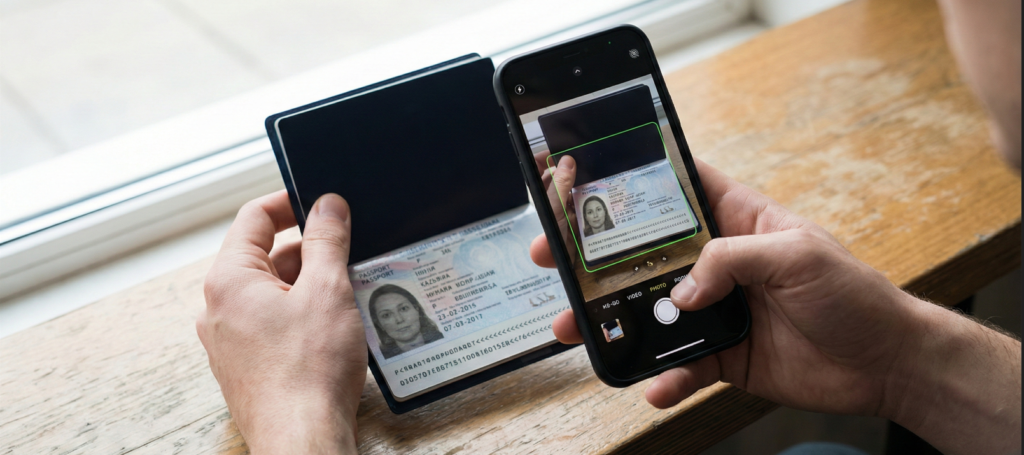
- Instruction: Place your passport data page on a flat surface.
- The Glitch: Glare from the laminate often causes a “Read Error.”
- The Fix: Turn off the overhead light and use natural daylight near a window. If the auto-scan fails 3 times, the app will usually unlock a “Manual Entry” form.
3. The “Selfie” (Security Check) You must take a photo of your face to verify you are the passport holder.
- Rule: Plain white background. No glasses. No hats.
- Warning: This photo will appear on the security screen every time you enter a stadium. Make sure it looks like you now (e.g., if you grew a beard since your passport photo, the selfie is the reference point).
4. The “Link” Once your ID is approved (Status: Green / Active), you must go to the “Tickets” section and assign your purchased tickets to your ID.
- One ID = One Ticket: You cannot scan 4 tickets with 1 phone. Each fan needs their own ID on their own device (or printed paper).

Troubleshooting: “My ID is Stuck on Pending”
The system is automated, but it gets overwhelmed.
- Normal Wait Time: 24–48 hours.
- Panic Time: 5+ days.
- The Solution:
- Check your email “Spam” folder for a rejection notice (usually “Blurry Photo”).
- If no email, contact the 24/7 Support Line: +212 5 30 30 20 30 or email info@yallamorocco.ma.
- Last Resort: Visit the Fan Support Centers at Casa Voyageurs Train Station or Rabat Agdal Station immediately upon arrival.
Pro Tip: The “Paper Backup”
The Yalla App requires internet to load your dynamic QR code.
- Scenario: 60,000 fans are at Stade Mohammed V. The 4G network crashes. Your app won’t load.
- The Save: Take a screenshot of your Fan ID QR code before you leave the hotel. Even better, print a paper copy. The scanners can read the paper code even if your phone is dead.